Best Consent Management Software for SaaS Companies: Full Guide (2026)

Osman Husain
Overview
- SaaS companies face compliance pressure from multiple directions: GDPR for EU customers, CCPA/CPRA and new US state laws, and enterprise procurement checklists that now routinely require proof of consent management
- OneTrust raised its minimum ACV to approximately $10,000/year in early 2026, pushing mid-market SaaS teams on legacy contracts toward alternatives at renewal
- SaaS-specific requirements (multi-domain consent, subdomain sharing, product analytics visibility, DSAR handling, global language support, and API access) are not well served by self-serve tools
- This guide evaluates four platforms: Enzuzo, OneTrust, Osano, and Ketch
SaaS companies in 2026 are being squeezed from two directions at once.
On the regulatory side, new CCPA regulations that took effect January 1, 2026, changed the rules on consent itself: closing a banner without clicking accept no longer counts as valid consent, and opting out must be as easy as opting in with equal visual prominence.
At the same time, every US state that passes a new privacy law adds another jurisdiction. Twelve states had active laws by the start of 2026, with more coming, requiring a specific consent model on your website.
On the vendor side, OneTrust raised its minimum contract value to approximately $10,000/year in early 2026. SaaS teams that have been on a legacy plan since 2019 or 2020 are opening renewal emails and discovering they're being migrated out of their current pricing. The evaluation they're now running wasn't planned.
This guide is for mid-market SaaS companies with one to fifteen domains, global or multi-jurisdiction user bases, existing GTM setups, and a small team managing compliance without a dedicated privacy officer. We evaluate four platforms against the specific requirements that actually matter for SaaS, compare them honestly, and walk through what implementation looks like for a team that doesn't have a privacy engineer on staff.
Enzuzo works with SaaS companies in fintech, edtech, B2B software, and content across the US, EU, Canada, and Australia, and this guide is based on direct expertise working with our clients.
Why consent management for SaaS is different than others
Most consent management platform guides are written as generic advice. SaaS companies have a meaningfully different compliance profile, and the differences matter when you're evaluating tools.
You're running more third-party scripts than almost any other business type
A typical SaaS marketing site touches multiple scrips including Intercom, HubSpot, Segment, LinkedIn Insight Tag, Google Ads, Hotjar, FullStory, Clearbit, and more. Modern SaaS platforms integrate dozens of third-party tools, and each one potentially sets cookies that require consent management and categorization. This is categorically different from a publisher running GA4 and some ad pixels, or an e-commerce store running Meta Pixel and Klaviyo.
Every script is a consent obligation. Every script needs to be categorized, declared in your cookie policy, and loaded as per geographical requirements. Misconfiguring even one is a compliance gap. Allowing Hotjar's cookie to load before consent in an EU visitor's session, for example, is sufficient to create exposure.
You need GDPR and US state compliance simultaneously
SaaS companies deal with both, because customers and users are global. GDPR requires opt-in by default: nothing fires until the visitor explicitly accepts. CCPA and most US state privacy laws use opt-out: the banner shows, but scripts fire unless the visitor actively declines.
A single global banner set to opt-out is non-compliant in the EU. A single banner set to opt-in kills your US marketing attribution because it blocks GA4 and Google Ads for anyone who dismisses the banner without clicking. The right architecture is automatic, jurisdiction-based rules that serve the correct consent model per visitor, with no manual deployment switching required.
This is exactly where complexity bites teams. In a recent conversation, a marketing lead at a content SaaS company described spending months managing separate OneTrust banner templates per region, eventually giving up and deploying the script as a hard-coded script rather than through GTM because the load-order issues were unresolvable.
The site appeared compliant, but Google Ads was firing before consent in opt-in regions. A CMP with automatic geolocation removes this failure mode.
Tip: You need a single deployment that serves different consent models by jurisdiction automatically. If the tool requires you to maintain separate regional deployments, you will eventually fall out of compliance when something changes.
Your product analytics depend on consent being configured correctly
In opt-in regions like the EU and California, any visitor who sees the banner and doesn't click accept is considered unconsented by default. Their session disappears from GA4. For a SaaS company measuring trial signup rates, feature adoption funnels, and paid campaign attribution, that's not a small rounding error.
The metric that reveals the true impact is not the acceptance rate. It's the no-interaction rate: visitors who see the banner and do neither. In opt-in regions, a 50% no-interaction rate is typical across the industry. A 90% accept rate with a 50% no-interaction rate means you're actually missing attribution on a substantial portion of your traffic, and your acceptance rate dashboard is misleading you about how much data you have.
Two things address this. First, Google Consent Mode v2 allows Google to model conversions from unconsented sessions back into your attribution, partially recovering what you lose from dismissals. Second, consent analytics that break down opt-in rate, dismiss rate, and no-interaction rate by region let you understand what's actually happening to your data instead of guessing why campaign performance looks different in GA4 versus your ad platform.
Tip: Configure GCM2 alongside your CMP or you will permanently lose attribution for opt-in region traffic. Make sure your CMP surfaces the no-interaction rate, not just accept/reject.
Enterprise deals increasingly require compliance proof
For growing SaaS companies, privacy compliance regularly becomes a hard requirement during enterprise procurement. In recent conversations, we've seen how one B2B hospitality SaaS company could not close French enterprise accounts because they had no GDPR-compliant consent management in place. A B2B software company purchased a CMP specifically because a three-year EU customer contract required demonstrated compliance as a condition of signing.
The IAPP's 2025 Privacy Governance Report found that privacy compliance requirements appear in enterprise security and vendor questionnaires with increasing frequency. Having a CMP deployed, a cookie policy linked from your footer, and a DSAR process documented is the minimum viable answer to those questionnaires. You don't need a full internal data governance program the first time someone asks. You need evidence that consent is managed and data subject requests can be handled.
Tip: If you're moving upmarket, you will get asked about your CMP before you expect to. Having one in place before it becomes a deal blocker is significantly cheaper than losing a deal over it.
Subdomain management is more complex than it looks
A typical SaaS company has a marketing site, a product app at app.yourdomain.com, a docs site, and sometimes a community or status page. Consent needs to work coherently across all of them.
The specific question is: can consent given on the main domain carry to subdomains without re-prompting? The answer depends on how the CMP is deployed. Getting it wrong means either showing the consent banner repeatedly on every subdomain (genuine friction that tanks your activation rate) or silently failing to capture valid consent in your product environment, which is a compliance gap.
For SaaS companies with a product subdomain where logged-in sessions happen, the implementation needs explicit configuration and testing across the full subdomain hierarchy before going live.
What to look for in a CMP for SaaS
The criteria below are built around what actually matters for the SaaS use case, based on the patterns that consistently surface across product and legal teams.
| Criterion | Why it matters for SaaS | What to look for |
| Geolocation-based consent | GDPR opt-in and US state opt-out require different models; a single global setting gets both wrong | Automatic jurisdiction detection, no manual deployment switching |
| Google Consent Mode v2 | Required to model unconsented traffic back into GA4 and Google Ads attribution | Native GTM template with GCM2 pre-baked |
| Subdomain consent sharing | App, docs, and marketing subdomains need coherent consent without re-prompting | Consent from primary domain propagates to subdomains |
| Multi-domain dashboard | Multiple product lines or international domains need centralised management | Single dashboard, separate consent logs per domain |
| Consent analytics | Marketing and product need to see what consent is doing to their data | No-interaction rate breakdown by region, page path, and returning visitor status |
| DSAR handling | GDPR and CCPA both require a process for data subject requests | Intake form, identity verification, audit trail minimum |
| API and webhook access | SaaS teams need consent events in their own data stack | REST API or webhook for consent events |
| Automatic law updates | New US state laws and international regulations pass regularly | Vendor maintains jurisdiction rules; teams notified before changes take effect |
| Multi-language support | Global SaaS companies serve users across many languages | Pre-built translations for major languages; custom upload for others |
| Predictable pricing | Finance teams need stable compliance cost forecasting | Domain-based or traffic-based with overage protection |
On DSAR integrations: If your request volume is under approximately 50 per month, a lightweight intake-and-audit-trail workflow without direct CRM integrations is manageable. The manual handoff to your CRM takes minutes per request. If you're a GDPR-heavy SaaS company with enterprise EU customers generating consistent DSAR volume, native Salesforce or HubSpot integration becomes meaningful.
The four best CMPs for SaaS companies
At a glance
| Enzuzo | OneTrust | Osano | Ketch | |
| Starting price | ~$300/month | $10,000+/year | ~$1,000+/month | Free tier; Plus ~$499/month |
| Pricing model | Traffic-based, multi-domain included | Per module, enterprise contract | Tiered by plan | Visitor-based; enterprise custom |
| US state geofencing | Yes, automatic updates | Yes | Yes | Yes, manual updates required |
| Google Consent Mode v2 | Yes, native GTM template | Yes | Yes | Yes |
| Subdomain consent sharing | Yes | Yes | Yes | Yes |
| Multi-domain dashboard | Yes | Yes | Yes | Yes |
| Consent analytics (dismiss/no-interaction) | Yes | Yes, complex UI | Yes | Yes |
| DSAR handling | Yes, lightweight | Yes, with integrations | Yes | Yes, Salesforce/HubSpot integrations |
| API and webhook access | Yes (inbound API: 60-day roadmap) | Yes | Yes | Yes, full API |
| Banner customisation (CSS) | Yes | Yes | Yes | Yes, no-code plus CSS |
| Geo-specific banner templates | Yes (API today; UI end of March 2026) | Yes | Yes | Yes |
| A/B testing | API only | Yes | Yes | Yes |
| Multi-language support | 25+ (custom uploadable) | Yes | Yes | Yes |
| Data mapping and discovery | No | Yes | Partial | Yes |
| Automatic jurisdiction updates | Yes | Yes | Yes | No; manual configuration required |
| Onboarding included | Yes | Via consultant (extra cost) | Yes | Yes |
| Best for | Mid-market SaaS needing US and EU compliance without enterprise overhead | Enterprise SaaS with a dedicated privacy team and $10K+ budget | SaaS needing CMP alongside legal consultation | Tech-forward SaaS needing full data governance including DSAR automation and data mapping |
1. Enzuzo
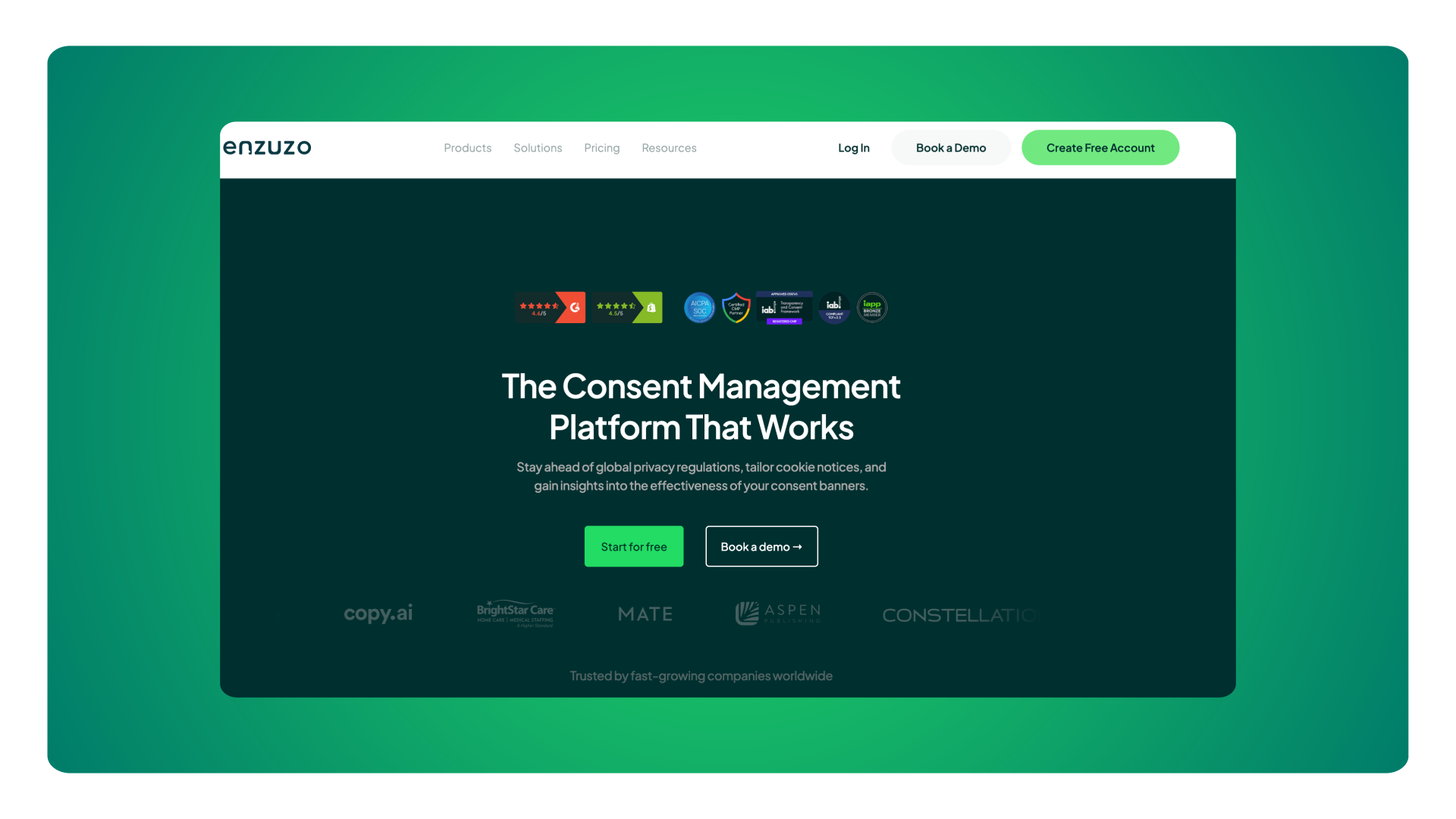
Enzuzo is built for mid-market SaaS companies that have grown past self-serve tools and need proper geolocation-based consent without enterprise pricing or enterprise complexity. The profile it serves well: a marketing site with five to fifteen third-party scripts, EU and US traffic requiring different consent models, a GTM setup, and a marketing or product person managing compliance without a dedicated privacy team.
Enzuzo's geolocation engine applies the correct consent model by jurisdiction automatically: GDPR opt-in for EU visitors, opt-out for US states with active laws, and no banner where no applicable law exists. It updates when new state laws pass without requiring manual reconfiguration. That last detail matters more than it appears: having to manually configure each new state law as it passes is a meaningful operational overhead when you don't have a privacy specialist on staff.
Subdomain consent sharing is supported, meaning consent given on your marketing domain carries to your product and docs subdomains without re-prompting. Consent analytics break down accept, reject, and no-interaction rates by region, page path, and returning visitor status, giving your marketing team the data to understand what is actually happening to GA4 attribution rather than working backward from unexplained session drops.
The DSAR module provides intake, identity verification, and audit trail. It does not currently include direct integrations with Salesforce or HubSpot to automate data retrieval across your tech stack. For most mid-market SaaS companies with low request volumes, the manual workflow is manageable and takes minutes per request. An inbound API and webhook capability is on the product roadmap within sixty days of this writing.
On pricing: around $300/month covers up to 250,000 monthly visitors across multiple domains, with onboarding included. For high-traffic or large-domain-count SaaS companies, custom tiers including unlimited visitor options are available.
One limitation worth naming: A/B testing banner variants is available through the API today, but not yet through the dashboard UI.
Book a call with a SaaS consent management expert to dive into Enzuzo's capabilities
2. OneTrust
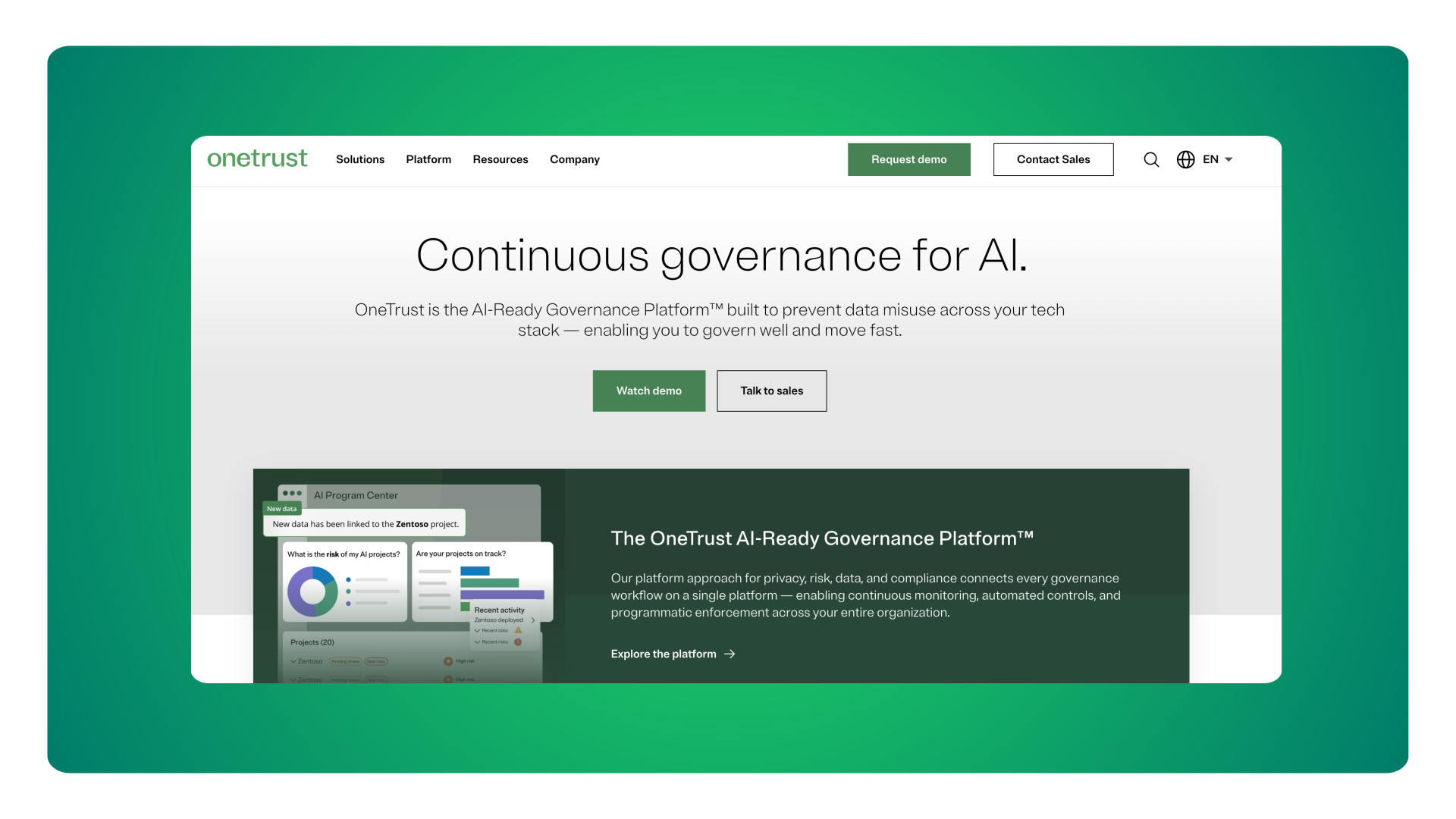
OneTrust is the default choice for enterprise SaaS with a dedicated privacy officer, in-house legal counsel, and the budget to match. The platform is comprehensive: data mapping, vendor risk management, DSAR automation with deep CRM integrations, policy management, and the broadest feature set in the category.
If you're a large SaaS business where privacy compliance is a full-time function, OneTrust is built for you.
For mid-market SaaS, two problems appear consistently.
First, pricing. The minimum ACV is now approximately $10,000/year. Companies on legacy plans from 2019 or 2020 are hitting renewal and finding their pricing structure no longer exists at those terms. Enzuzo is one of three providers that OneTrust is formally recommending to customers who cannot accommodate the new pricing floor.
Second, operational complexity. OneTrust is built for the Fortune 100 and the implementation reflects that. It's not easy to get started, and customer support does not offer assisted migration pathways. The cost of implementation can be in the tens of thousands of dollars alone.
Before renewing, the honest question is whether you're using the modules that justify the price, and whether you have the internal resource to operate the platform as designed. If the answer to either is no, the OneTrust alternatives worth evaluating are Enzuzo and Ketch.
3. Osano
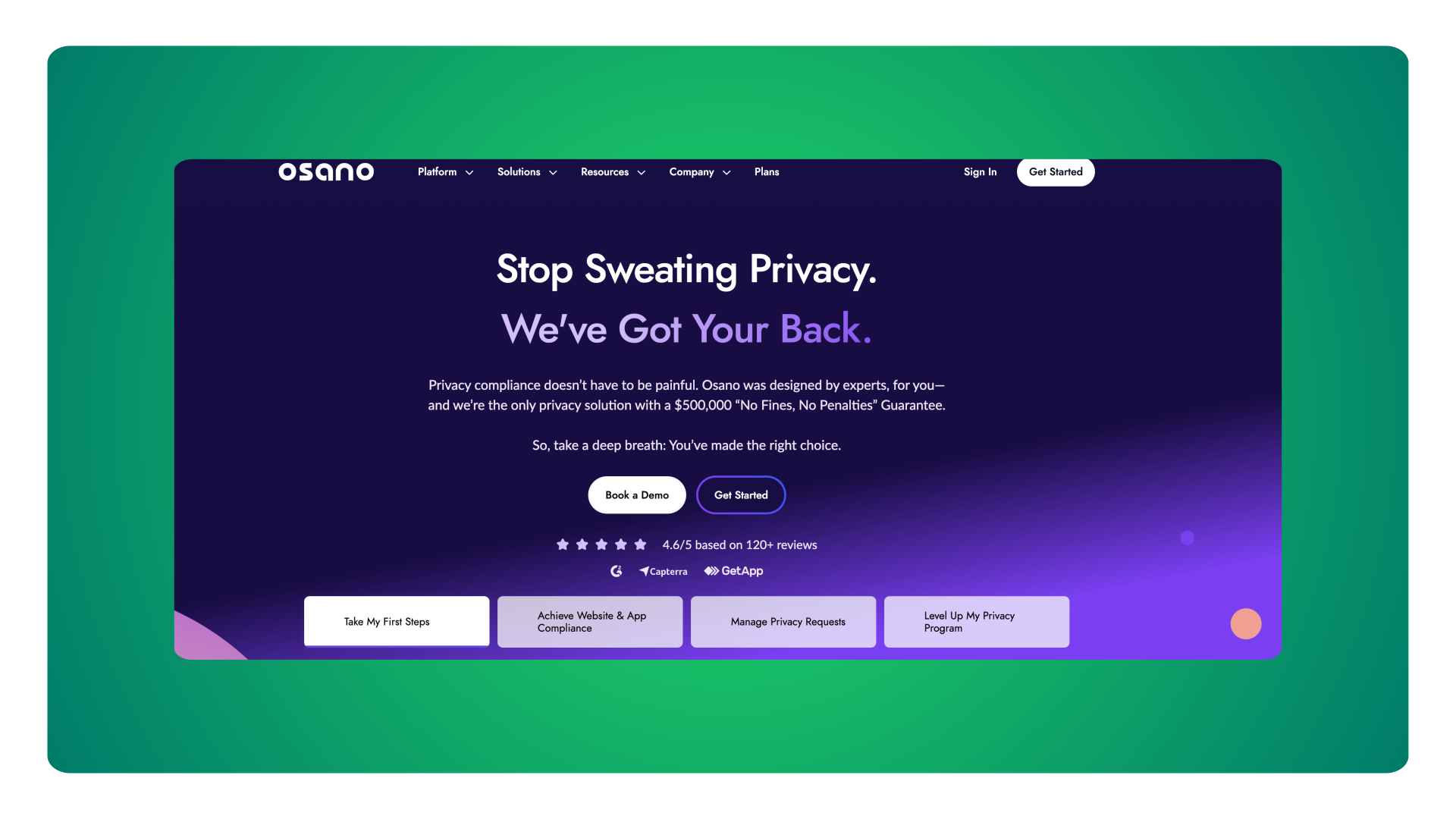
Osano is a credible mid-market option for SaaS companies that want CMP functionality alongside a much broader privacy compliance program, including data mapping, vendor risk management, data governance, and more.
If your team needs an enterprise-lite tool, that's a genuine product difference.
The tradeoff is cost. Entry pricing typically starts above $1,000/month, which for a company switching away from a legacy OneTrust contract may still represent a meaningful saving, but positions Osano above Enzuzo for teams where legal consultation isn't a primary need. Feature breadth is closer to OneTrust in some dimensions, particularly around data mapping and internal governance.
Osano is the right evaluation path for SaaS companies where "we need someone to help us understand our risk" is as important as "we need a banner deployed." For teams that know what they need and just need a platform to implement it, Enzuzo covers the technical surface area at a lower price point.
4. Ketch
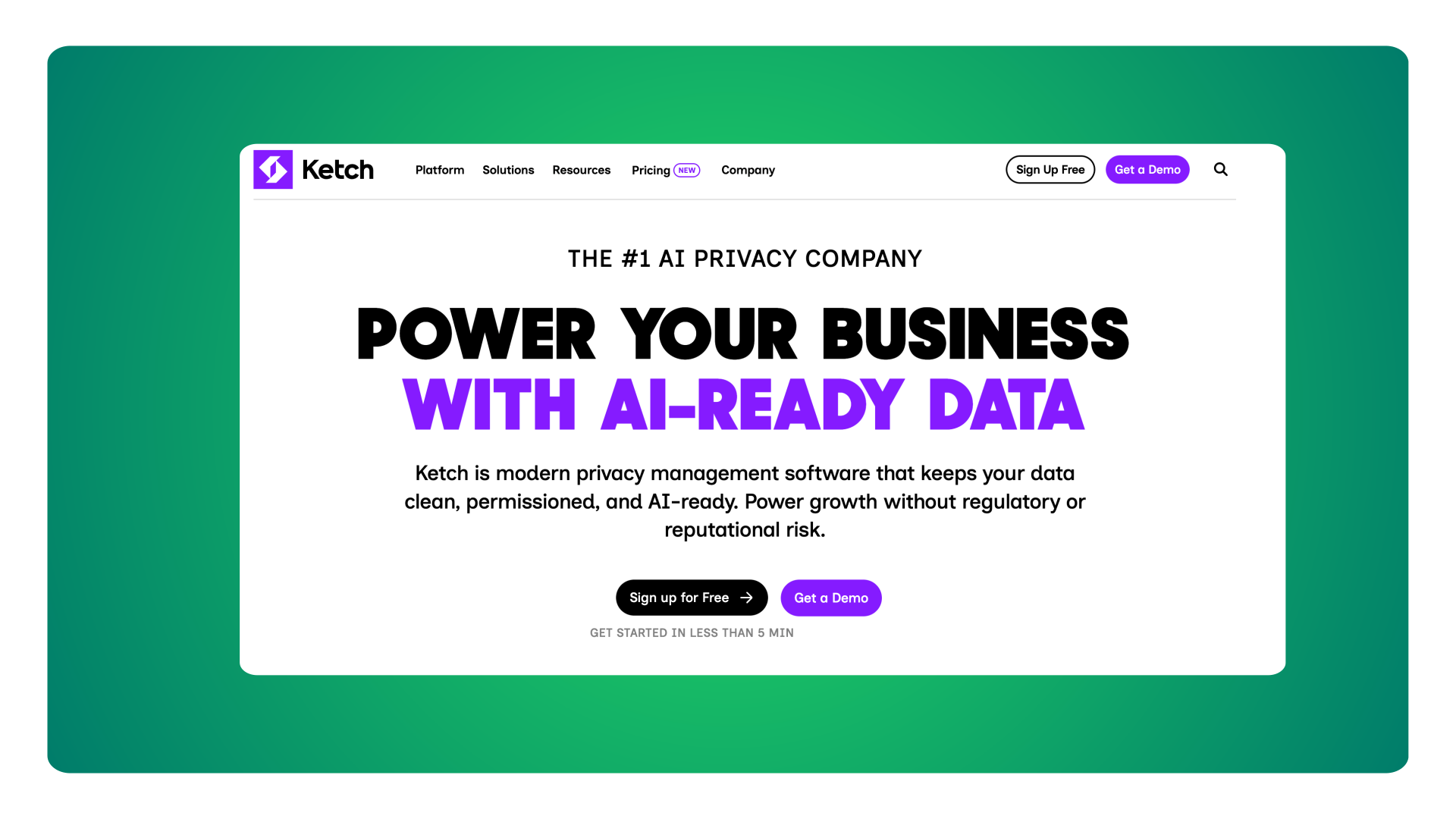
Ketch sits between Enzuzo and OneTrust in both price and feature depth, and it's the most developer-friendly option in this list. Users consistently describe the architecture as modern, the API documentation as strong, and the integration with existing tech stacks as smooth, particularly for SaaS companies already operating Salesforce or HubSpot as their system of record.
Where Ketch genuinely differentiates: native integrations with Salesforce, HubSpot, AWS, and Snowflake for DSAR automation and data mapping. If you have significant GDPR-driven DSAR volume from enterprise customers and need consent events and data subject requests to flow directly into your CRM or data warehouse without manual intervention, Ketch's automation depth is real and covers that use case better than any other platform in this comparison.
The pricing model is visitor-based rather than domain-based, which can become expensive for high-traffic multi-domain SaaS companies. At the Plus tier, pricing runs approximately $499/month billed annually. Above that threshold, pricing is custom and negotiated directly.
Two limitations worth naming. First, updating geofencing rules when new US state laws pass requires manual configuration by the account admin rather than being applied automatically. That's a meaningful operational difference for a team without a dedicated privacy resource. Second, some features including certain reporting capabilities and integrations are gated by subscription tier in ways that can be surprising during implementation.
For SaaS companies where DSAR integration with Salesforce or HubSpot is a day-one requirement, Ketch is the right mid-market choice. For companies whose primary need is cookie consent, geolocation, and analytics visibility, Enzuzo covers that surface area at a lower price with less maintenance overhead.
Heading into a OneTrust renewal or getting your first enterprise compliance question? Book a 20-minute call, and we'll audit your current tracking setup and show you what the right implementation looks like for your stack.
How to implement a CMP on a SaaS marketing site
This section walks through implementation using Enzuzo as the worked example. The steps assume you have Google Tag Manager access and someone who can make changes to your site: a developer, a GTM-capable marketer, or a third-party agency. No privacy engineering background required.
Step 1: Run a cookie scan before you configure anything
Register now for Enzuzo. Before touching any settings, run an automated cookie scan across every domain and subdomain you plan to cover. The scan crawls your site and returns every cookie and script loading on page load, categorised by purpose: strictly necessary, analytics, marketing, functional.
For a typical SaaS marketing site, the scan returns eight to fifteen third-party scripts. You will almost certainly find at least one that was added during a product integration or a marketing tool trial and was never formally documented. The scan output is what you use to configure consent categories and write your cookie policy. Do not rely on memory or your internal script inventory documentation as both will be incomplete.
Step 2: Configure your geolocation rules
Set your consent rules by jurisdiction before designing the banner:
- EU and UK: GDPR opt-in. Block all non-essential scripts on page load until the visitor explicitly accepts.
- California: opt-in. The CIPA litigation environment makes the conservative approach appropriate even though CCPA technically permits opt-out.
- Quebec: opt-in under Law 25.
- Other active US states (Virginia, Colorado, Texas, Georgia, and others): opt-out. Banner shows, scripts fire unless the visitor declines.
- Canada outside Quebec, Australia, and most international markets: opt-out or don't-show depending on applicable local law.
- Worldwide default: don't show. Collect a consent log, fire scripts normally for visitors from regions with no applicable law.
Enzuzo maintains and updates the jurisdiction list as new laws pass. You receive a notification when a change is required; you approve the update rather than manually tracking new legislation yourself.
Step 3: Configure subdomain consent sharing
If your product lives at app.yourdomain.com and your marketing site at yourdomain.com, configure consent sharing so a visitor who accepts on the marketing site is not re-prompted when they navigate into the product. This requires deliberate configuration, not just a default setting.
Test this explicitly before going live. Simulate a visitor session that moves from the marketing site to the product subdomain without clearing cookies and confirm the banner does not reappear. The failure mode in the other direction is less visible but creates a compliance gap in your logged-in sessions: consent not being recognized in the product environment.
Step 4: Deploy via GTM and wire up your tags
Add the Enzuzo GTM template from the community gallery to your container and set it to consent initialization, so it loads before any other tag fires. Google's own tags (GA4, Google Ads, Floodlight) have consent checks built in and will automatically respect the signals Enzuzo sends.
Every other tag needs a consent trigger added explicitly. For each non-Google tag in your container (Intercom, HubSpot tracking code, LinkedIn Insight Tag, Hotjar, FullStory, Segment, Clearbit), open the tag, scroll to advanced settings, and add an Enzuzo consent trigger specifying which category that tag falls under. When a visitor declines marketing cookies, any tag marked as marketing will not fire. When they decline analytics, analytics tags will not fire.
Budget an afternoon for a clean GTM setup with five to eight tags. Allow a full day if you have many custom HTML tags or complex trigger logic.
One specific issue to check: if Google Ads is hardcoded directly in your site's <head> rather than loaded through GTM, it will fire before your consent banner loads. The fix is either moving Google Ads into GTM, or adding a manual code snippet adjacent to the hardcoded tag that sends the correct GCM2 consent signal regardless of load order. Both paths are documented in Enzuzo's onboarding materials.
Step 5: Enable Google Consent Mode v2
This step is separate from tag blocking and is frequently missed. Google Consent Mode v2 sends consent signals to Google's modelling infrastructure so that when an EU visitor dismisses the banner without accepting, Google can model the conversion they likely would have attributed, rather than dropping it entirely from your reporting.
Without GCM2, opt-in traffic from the EU simply disappears from Google Ads attribution. With it, Google recovers a portion of that measurement using modelling. For a SaaS company spending on Google Ads and tracking trial signups or demo requests as conversions, this is a meaningful difference in reported performance.
The Enzuzo GTM template pre-bakes the GCM2 signals for Google's own tags. For hardcoded Google Ads scripts, a separate code snippet is required. See the full GCM2 configuration guide for the exact implementation steps.
Step 6: Set up your DSAR intake form
Configure the Enzuzo DSAR form and link it from two places: your footer, as required by CCPA for the "Do Not Sell or Share My Personal Information" mechanism, and your privacy policy, as required by GDPR for data subject rights disclosure.
For most mid-market SaaS companies, DSAR volume is low, typically fewer than ten requests per month. The workflow is: visitor submits the form, the compliance owner receives a notification, the owner searches your CRM and relevant data stores manually, logs the outcome in Enzuzo, and the system sends the required acknowledgement and response communication to the requester. The full process takes fifteen to thirty minutes per request.
If volume grows to the point where manual processing becomes a burden, that's the signal to evaluate a platform with deeper CRM integrations such as Ketch.
Common cookie consent mistakes SaaS companies make
Configuring a single global banner instead of jurisdiction-specific rules
A single opt-in banner globally kills your US marketing attribution. A single opt-out banner globally makes you non-compliant in the EU and California. Both outcomes are common when someone configures a CMP quickly without fully understanding the geolocation model. The correct setup, with jurisdiction-specific rules applied automatically by IP, takes an extra hour to configure and significantly impacts both compliance posture and analytics accuracy.
Leaving scripts hardcoded outside GTM
The most common implementation gap on SaaS marketing sites: a script that predates your GTM setup is still hardcoded directly in the site's HTML, loading before your consent banner fires. The symptom is a CMP that looks correctly deployed but is still firing a specific script without consent in opt-in regions. Audit what's in your site's <head> directly, not just what's in GTM. Hotjar, Google Ads, and legacy HubSpot tracking code are the most frequent offenders.
Relying on accept rate instead of monitoring no-interaction rate
Every team checks their accept rate after launch. The metric that actually tells you what's happening to your data is no-interaction rate. A 90% accept rate with a 50% no-interaction rate means your analytics gap is much larger than it appears, and your paid campaign performance data is materially underreported. Your CMP should surface this breakdown by region. If it doesn't, you're managing compliance blind.
FAQs
Do SaaS companies need a consent management platform?
Yes, if you serve users from the EU, California, or other jurisdictions with active privacy laws. Running Google Analytics, Intercom, or any ad pixel on a site visited by EU or California users without a consent mechanism exposes you to GDPR enforcement and CCPA claims respectively. As of January 2026, the CCPA also requires that opting out be as easy as opting in with equal visual prominence. A basic cookie notice does not meet that standard. A CMP provides the technical infrastructure to block scripts correctly, collect consent records, and produce audit logs if you receive a data subject request or a regulatory inquiry.
Does GDPR apply to US-based SaaS companies?
Yes, if you process personal data belonging to EU residents. The GDPR applies based on where your users are located, not where your company is incorporated. A US-based SaaS company with EU customers or EU website visitors is subject to GDPR. The practical implication for your website is that EU visitors must be given the opportunity to consent to non-essential cookies before those cookies fire, and they must be able to withdraw consent as easily as they gave it. This applies to your marketing site, not just to your product.
What is the difference between GDPR and CCPA consent for SaaS?
GDPR requires opt-in: non-essential scripts must be blocked on page load until the visitor explicitly accepts. CCPA and most US state privacy laws use opt-out: non-essential scripts fire on page load, but the visitor must be given a clearly accessible mechanism to decline. The CCPA and GDPR share core principles around transparency and data subject rights, but the consent direction is opposite. For SaaS companies with both EU and US traffic, the only correct architecture is jurisdiction-based rules that apply the right model per visitor automatically. A single global setting cannot satisfy both simultaneously.
How does cookie consent affect my SaaS company's Google Analytics data?
When you deploy a consent banner, visitors who decline or who dismiss the banner without responding in opt-in regions (EU and California) will not be tracked in GA4. This produces a drop in reported sessions that surprises most teams. The size of the drop depends on your traffic mix: a SaaS company with 30% EU traffic will see a more significant impact than one with 5%. Two things mitigate this. First, configuring Google Consent Mode v2 allows Google to model unconsented conversions back into your attribution. Second, consent analytics that show the no-interaction rate by region let you understand where data is disappearing rather than trying to reverse-engineer unexplained session drops.
Can I use one CMP across my marketing site and product app?
Yes, if both are on the same top-level domain or a subdomain of it. A CMP configured on yourdomain.com can share consent to app.yourdomain.com and docs.yourdomain.com without re-prompting the visitor. This requires deliberate subdomain consent sharing configuration and explicit testing across the subdomain hierarchy. It does not happen automatically. If your product app is on a completely separate domain (yoursaasproduct.io versus yoursaasmarketing.com), each domain requires its own CMP configuration and consent will not carry between them.
We're switching from OneTrust. How long does migration take?
For most mid-market SaaS companies, two to three days from configuration to production. The first afternoon covers configuring Enzuzo's geolocation rules, designing the banner to match your branding, and setting up the DSAR form. The second day covers deploying the GTM tag, adding consent triggers to all third-party tags, and testing across jurisdictions using a VPN. A third day provides buffer for any issues discovered during testing and for running the configuration past your legal team before going live. The migration does not require transferring historical consent logs. Enzuzo's consent logging starts fresh from your go-live date. See OneTrust alternatives for a full comparison of migration paths.
Does my SaaS company need DSAR automation or just a DSAR form?
It depends on volume. If you receive fewer than approximately fifty data subject requests per month, a lightweight intake-and-audit-trail workflow without native CRM integrations is manageable. Each request takes fifteen to thirty minutes to process manually: search your CRM and relevant systems, log the outcome, send the required communication. The cost of that manual time is low at low volumes.
If you're a GDPR-heavy SaaS company with a large enterprise EU customer base generating consistent DSAR volume, native Salesforce or HubSpot integration to automate data retrieval becomes valuable and pushes the evaluation toward Ketch. The IAPP estimates manual DSAR processing costs $1,500 or more per request at enterprise scale, so integration quickly pays for itself at that volume.
What happens when a prospect asks about our privacy compliance during an enterprise deal?
Having a CMP deployed, a cookie policy linked from your footer, a privacy policy that reflects your actual data practices, and a functioning DSAR intake form is the minimum viable answer to most enterprise compliance questionnaires. You don't need a full internal data governance program. You need evidence that you manage consent on your website, that you know what data you collect and why, and that you have a process for responding to data subject requests. Enterprise security questionnaires now routinely include these questions, and a credible answer starts with having the infrastructure in place before you're asked.
How much does a CMP cost for a mid-market SaaS company?
Expect $250–$400/month for a mid-market CMP covering multiple domains and under 250,000 monthly visitors. Enzuzo starts at approximately $300/month. Ketch's Plus tier runs approximately $499/month billed annually for single-domain use cases. Osano typically starts above $1,000/month. OneTrust's minimum is now $10,000/year. Self-serve tools like CookieYes are cheaper but don't provide the geolocation depth, consent analytics, or DSAR handling that mid-market SaaS companies need. See consent management pricing for a detailed breakdown by tier and use case.
We're a small team. Can one person actually manage this?
Yes. The compliance work with a properly configured CMP divides into two parts: initial setup (two to three days) and ongoing maintenance (a few hours per month). Ongoing maintenance means reviewing cookie scan results when you add a new third-party integration, checking that new GTM tags have consent triggers configured, and handling occasional DSAR submissions.
None of that requires a privacy specialist. What it does require is a CMP that automates the jurisdiction rules, sends notifications when new laws pass, and surfaces the data you need to keep your analytics team informed about consent-driven attribution changes. The overhead is real but it's manageable as a part-time responsibility for a marketing or product operations person.
Ready to get your SaaS company compliant?
If you're heading into a OneTrust renewal and wondering whether you're paying for a platform your team can actually operate, or your enterprise sales pipeline has started asking about privacy compliance, you don't need a $10,000/year platform to get the job done.
Enzuzo works with mid-market SaaS companies to get compliant across US and EU jurisdictions in days, with onboarding included and no consultant required.
Book a 20-minute call, and we'll audit your current tracking setup, walk through your exposure by jurisdiction, and show you what implementation looks like for your specific stack.
Rated 4.6/5 on G2. See reviews
Osman Husain
Osman is the content lead at Enzuzo. He has a background in data privacy management via a two-year role at ExpressVPN and extensive freelance work with cybersecurity and blockchain companies. Osman also holds an MBA from the Toronto Metropolitan University.
LinkedIn →More related blogs
Your next read
.png)